What does my Board Status Mean in BlueMobile?

Blue Mobile gives you a faster and simpler way to manage OSAAP shadowboard projects directly from your phone. Track design progress, capture tool images, approve boards, and manage your projects from one easy-to-use application.
Access and manage your OSAAP projects wherever your work takes you.
The Blue Mobile dashboard gives you a clear overview of your entire project pipeline. Quickly view your total projects, active boards, approval requests, and upload notifications from one centralized screen.
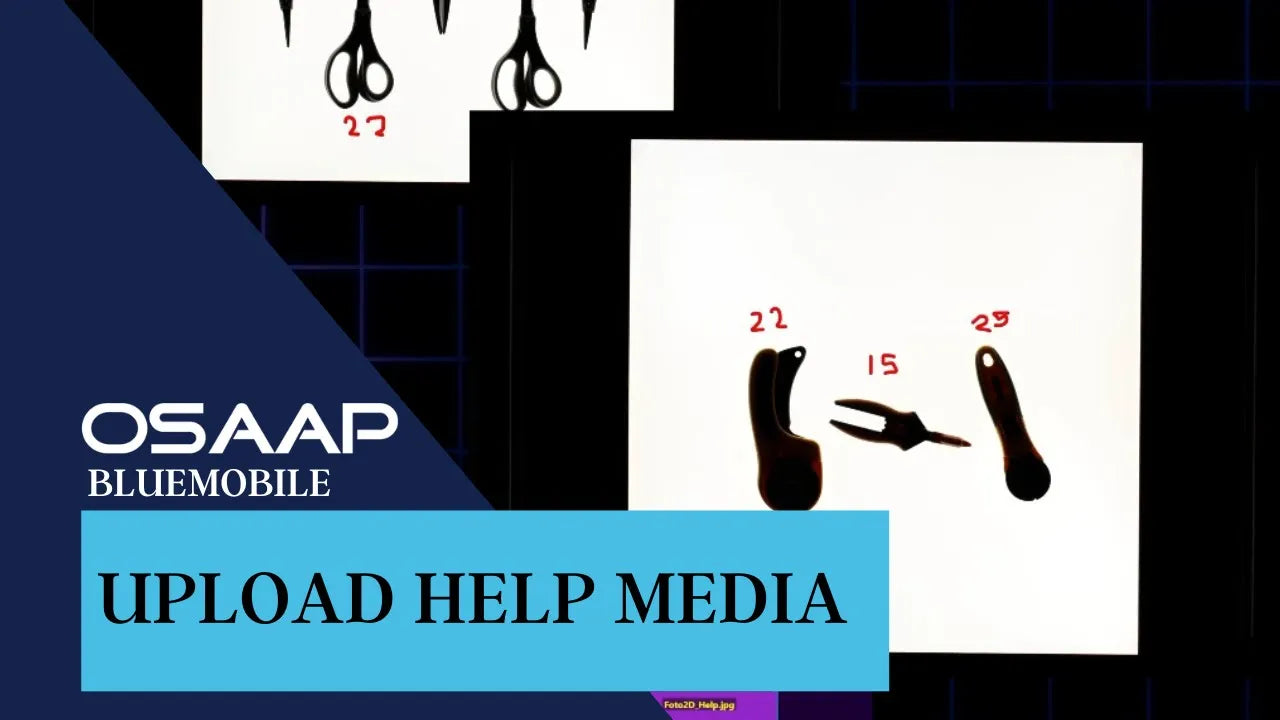
You can also capture help photos directly from your phone and upload them to your designs without switching between devices.
Get Set Up on BlueID
Follow your boards as they move through the OSAAP process. Blue Mobile provides live project updates directly on your phone so you always know where your project stands.
Stay informed without needing to check back manually or contact your team for routine project status updates.

Review board designs and approve or deny them directly from your mobile device.
Faster approvals help keep your project moving forward and reduce unnecessary delays before manufacturing begins.

Blue Mobile combines your phone's camera with OSAAP light panel solutions to accurately capture tool dimensions and transfer them directly into your project.
Instead of relying on a separate OSAAP camera setup, you can photograph your tools on the light panel and upload the image directly through the app.

Get a guided walkthrough of Blue Mobile and learn how to manage projects, capture tools, review boards, and streamline your OSAAP workflow.
Frequently asked questions